Think about the last time you needed a plumber, a hairdresser or somewhere to eat. You probably picked up your phone, typed a quick search into Google and chose one of the first few businesses you saw. Most people never look past the first page.
That's why being on page 1 of Google matters so much for small businesses. It can bring a steady flow of customers to your door without paying for every click. The good news is that you don't need to be a tech expert or have a big budget to get there. You need to get a handful of important things right, and keep chipping away at them.
Here's exactly where I'd start.
First, which page 1?
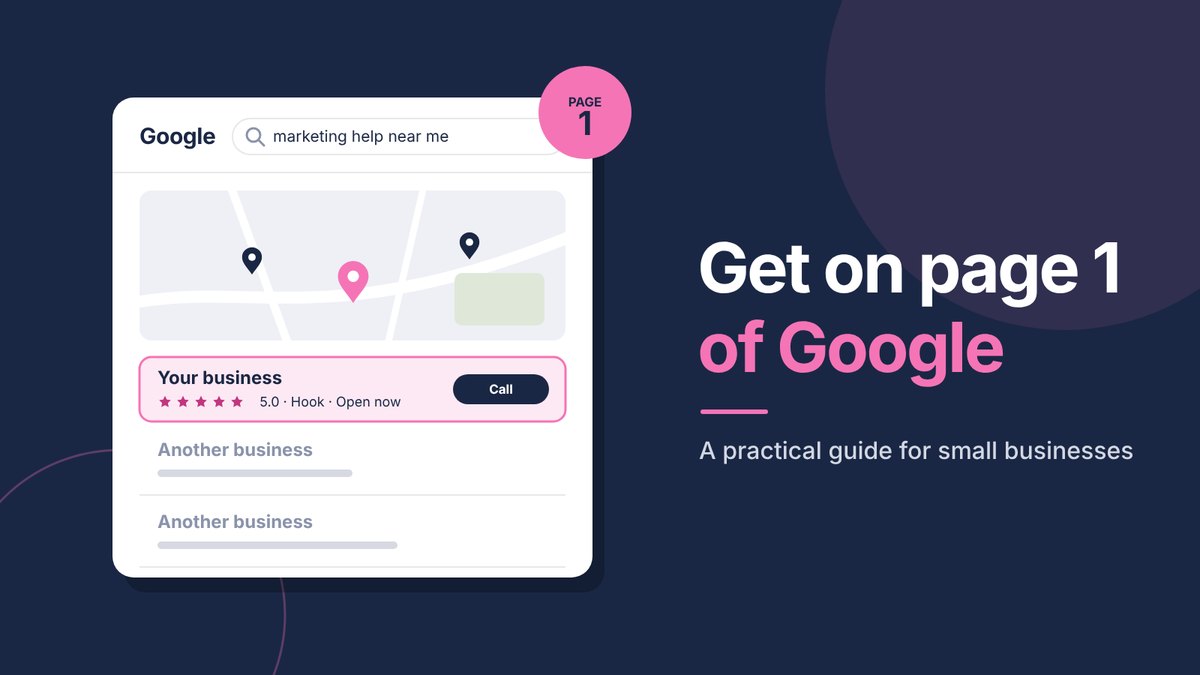
When someone searches for a local service, like "accountant Basingstoke" or "dog groomer near me", Google usually shows two different things on page 1:
- The map results. A map with three local businesses underneath it. These come from Google Business Profiles.
- The website results. The list of websites underneath the map. These come from your website.
For most local small businesses, the map results are the quickest win, so that's where we'll begin. Ideally you want to show up in both.
How Google chooses the top three on the map
Only three businesses get shown under the map, so that spot is valuable. Google says it decides who appears there based on three things:
- Relevance. How well your profile matches what the person searched for. A complete profile with the right categories and services helps Google see that you're a good match.
- Distance. How close you are to the person searching, or to the place they mentioned. You can't move your business, but you can make sure Google knows every area you cover.
- Prominence. How well known and trusted your business is. Reviews, mentions on other local websites and a strong website all count here.
Distance is why someone in Hook might see a different top three to someone in Fleet, even when they search for exactly the same thing. It's also why "near me" searches matter so much. When someone types "marketing help near me", Google uses their location to show nearby businesses, so a complete, active profile gives you the best chance of being one of them.
Work from home or visit customers? You can still appear on the map. Set your profile up as a service area business, add the towns you cover and hide your home address. Your listing will show for searches in those areas without putting your address on show.
It's also worth knowing that Google isn't the only map people use. Many iPhone users search in Apple Maps, and some people use Bing. Claiming your free listings on Apple Business Connect and Bing Places takes a few minutes and makes sure you show up there too.
Nine steps to get on page 1
1. Set up and complete your Google Business Profile
Your Google Business Profile is the free listing that appears on Google Maps and in the map results. If you only do one thing from this article, make it this.
- Fill in every single section: your services, opening hours, the areas you cover and a full description of what you do.
- Choose the main category that best describes your business, then add any other categories that fit.
- Add plenty of good photos of your work, your premises and you.
- Post updates, offers and news every couple of weeks, so Google can see you're active.
2. Get reviews, and keep them coming
Reviews are one of the biggest things Google looks at for local results, and they're what persuade people to choose you over the business next door. The easiest way to get more is simply to ask.
- Send happy customers your review link straight after you've finished working together, while they're feeling good.
- Make it easy with a short, friendly message and the direct link.
- Reply to every review, including the occasional less glowing one. It shows you care.
Tip: aim for a steady trickle of reviews rather than a big burst once a year. Fresh reviews tell Google your business is active and trusted right now.
3. Say clearly what you do and where
Google can only show your website to the right people if it understands what you do and where you do it. Be specific.
- Put your main service and area in your page titles and main headings, for example "Wedding photographer in Basingstoke".
- Mention the towns you cover naturally in your text, the way you would in conversation.
- Write for people first. Stuffing in place names where they don't belong will do more harm than good.
4. Give each service its own page
If you offer several services, give each one its own page rather than listing them all on one. A page all about "kitchen fitting" has a much better chance of showing up for kitchen fitting searches than a general "our services" page. Each page should explain what the service is, who it's for, how it works and how to get in touch.
5. Make your website quick and easy on a phone
Most local searches happen on a phone, so your website needs to work well on a small screen. Check that it loads quickly, the text is easy to read without zooming, and there's an obvious way to call, email or send an enquiry on every page. A slow, clunky website loses customers even if it does rank well.
6. Answer the questions your customers ask
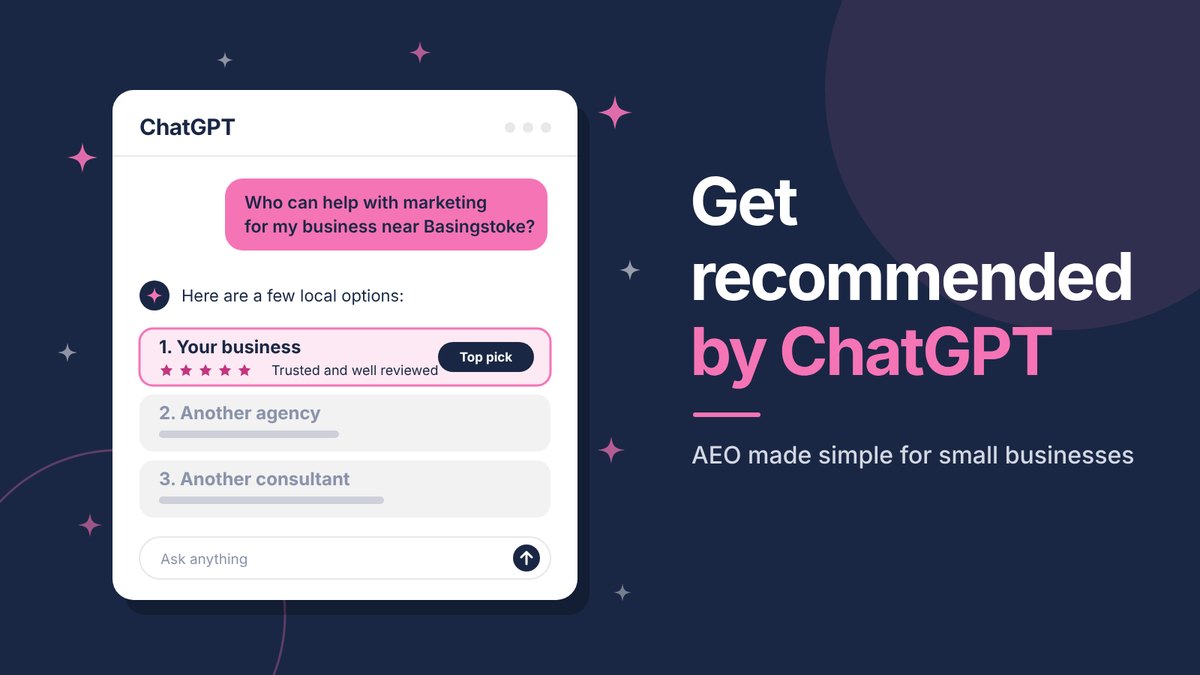
Every question a customer asks you is something other people are typing into Google. Answering those questions on your website, in helpful articles and a good FAQ section, gives Google more reasons to show you, and it builds trust before people even get in touch. It's also exactly what AI tools like ChatGPT look for when recommending businesses.
7. Get mentioned and linked locally
When other trusted websites mention or link to you, Google sees it as a vote of confidence. For small businesses, local ones are gold.
- Local business groups and networks
- Suppliers, partners and businesses you work alongside
- Local events, clubs or charities you support
- Local news websites and community pages
8. Keep your details the same everywhere
Your business name, area, phone number and website address should be exactly the same on your website, Google Business Profile, social media and any directories you're listed in. Different versions confuse Google and can hold you back.
9. Track what's working
Google Search Console is a free tool that shows which searches your website appears for, how often people click and which pages do best. Set it up as soon as your website is live. It helps you see what's working and gives you brilliant ideas for what to write next.
How long does it take?
This is the question I get asked most. Some changes, like completing your Google Business Profile, can make a difference quite quickly. Others, like building up reviews, content and local links, add up over a few months.
The businesses that do best aren't the ones with the biggest budgets. They're the ones that keep doing the basics consistently. A little every month really does add up.
Mistakes to avoid
- Stuffing in keywords. Repeating "plumber Basingstoke" twenty times reads badly and can hurt you.
- Buying links or fake reviews. It's against Google's rules and can get your business penalised.
- Anyone who guarantees you the number one spot. No one can honestly promise that, so be wary of anyone who does.
- Setting it up and forgetting it. An out of date profile and a website that never changes slowly slip down the results.
Quick questions
Do I need to pay Google to be on page 1?
No. The map results and website results are free. Google Ads can put you at the top straight away, which is useful while your free listings grow, but you pay for each click.
Do I need a website to show up on Google?
You can appear in the map results with just a Google Business Profile, but a good website gives you a much better chance of showing up for more searches and turns far more of those visitors into enquiries.
Can I do this myself?
Absolutely. Everything in this guide can be done by a small business owner. If you'd rather have someone do it with you, or for you, that's exactly what I help with.